Digital Note-Making for UPSC: Tools, Templates & Organization Systems 2026
5 min read
Dec 16, 2025
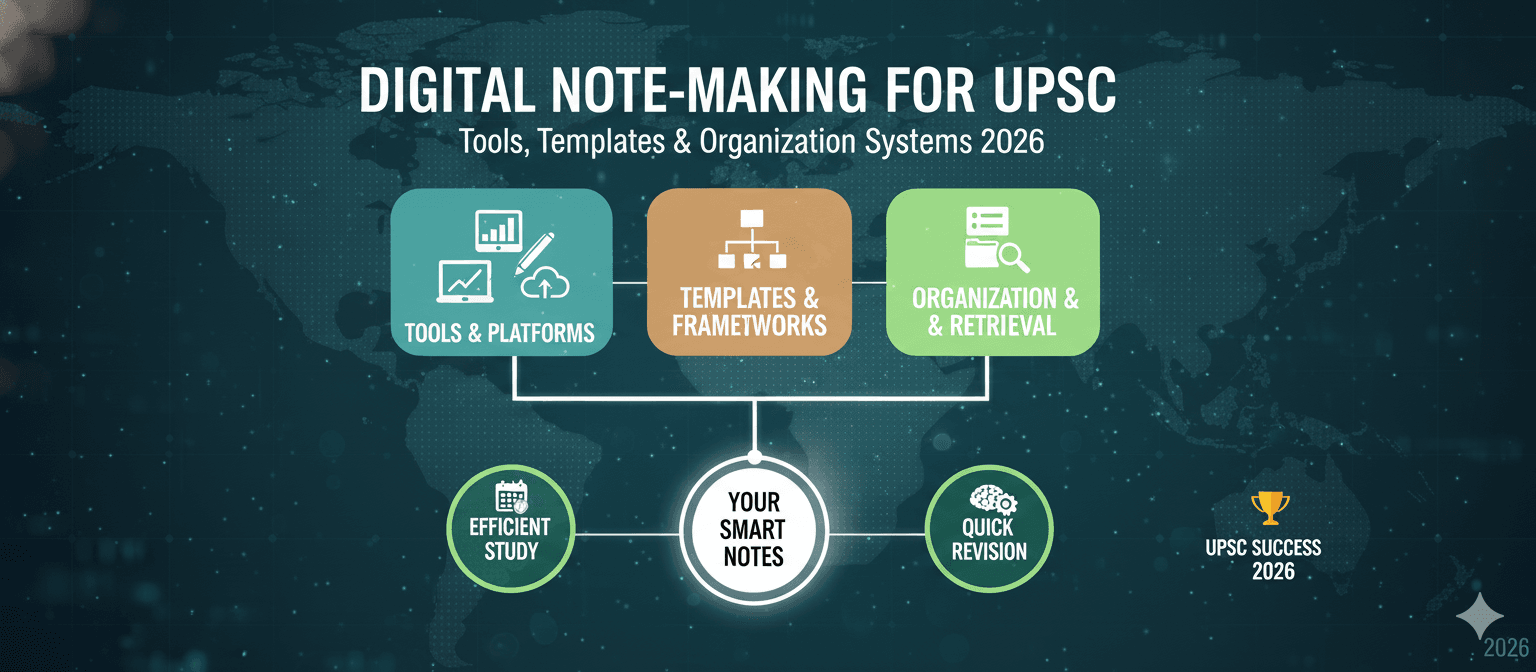
Digital Note-Making for UPSC: Tools, Templates & Organization Systems 2026
The UPSC syllabus is vast—spanning History, Polity, Economy, Geography, Environment, and dynamic current affairs. Traditional note-making served generations of aspirants, but 2026 demands smarter approaches. Digital note-making isn't about replacing paper; it's about creating a searchable, interconnected knowledge system that evolves with your preparation.
Why Digital Notes Matter for UPSC Preparation
Consider this scenario: You read about the Chenab Bridge in current affairs. Months later, during your Geography revision, you need to connect it with infrastructure development. With physical notes, you'd flip through multiple registers. With digital notes, one search retrieves everything—Science & Technology implications, GS-III linkages, and related PYQs.
Digital note-making offers three transformative advantages:
- Instant retrieval: Search across thousands of notes in seconds
- Cross-subject integration: Link Polity concepts to History events, Economy to Environment
- Dynamic updates: Add new information without rewriting entire sections
Notion vs Obsidian: Which Tool Fits Your Style?
The two most powerful digital note-making tools for UPSC aspirants are Notion and Obsidian. Each serves different learning styles and preparation approaches.
Notion: The All-in-One Workspace
Notion excels at creating structured, visually organized systems. It combines databases, tables, calendars, and interlinked pages—perfect for aspirants who think in frameworks.
Best for: Aspirants who prefer visual organization, need collaboration features, or want ready-made templates
Key strengths:
- Custom templates for subject-wise syllabus tracking
- Kanban boards for managing study flow (To Study → In Progress → Completed)
- Embed PDFs, images, and newspaper clippings directly
- Cloud-based access across devices
Limitation: Requires stable internet; can feel sluggish with large databases
Obsidian: The Knowledge Network
Obsidian stores notes as plain text files locally, offering complete privacy and offline functionality. Its true power lies in bidirectional linking—connecting ideas the way UPSC questions demand.
Best for: Advanced learners building interconnected knowledge webs for analytical Mains answers
Key strengths:
- Bidirectional linking (link "Poverty" in GS-1 to "Welfare Schemes" in GS-2)
- Graph view visualizes connections between topics
- Works offline—ideal for aspirants in areas with weak connectivity
- Plugins for spaced repetition and flashcards
Limitation: Steeper learning curve; no native handwriting support
Building a UPSC-Specific Tagging System
A robust tagging system transforms scattered notes into a structured knowledge base. Here's a framework optimized for the UPSC pattern:
Subject Tags: #Polity, #Economy, #History, #Geography, #Environment, #SciTech, #Ethics
Paper Tags: #GS1, #GS2, #GS3, #GS4, #Essay, #Prelims
Source Tags: #TheHindu, #IndianExpress, #EconomicSurvey, #PIB, #Yojana
Theme Tags: #Governance, #SocialJustice, #InternationalRelations, #Security, #DisasterManagement
Pro tip: When reading news about Digital India, tag it #Economy #GS3 #Governance #PIB—this single note becomes retrievable through multiple pathways.
Quick Retrieval Methods for Revision
Effective retrieval separates productive revision from passive re-reading:
- Search operators: Use "Fundamental Rights" (exact phrase) or tag:GS2 + tag:Polity (combined filters)
- Weekly consolidation: Every Sunday, create a "Weekly Digest" note linking all current affairs from the week
- PYQ mapping: Add relevant Previous Year Questions to each topic note for context
- Starred notes: Mark high-priority topics for quick access before exams
Resolving the Handwritten vs Digital Debate
Research confirms handwriting improves memory retention through deeper cognitive engagement. However, the UPSC syllabus is too vast for purely handwritten notes. The solution? A hybrid approach.
Use digital notes for:
- Current affairs (daily updates, easy searching)
- Data-heavy subjects (Economy statistics, international agreements)
- Value additions from multiple sources
Use handwritten notes for:
- Core static subjects (Polity fundamentals, Art & Culture)
- Diagrams and flowcharts (Geography, History timelines)
- Answer writing practice
Tablet users: Apps like GoodNotes and Samsung Notes combine handwriting benefits with digital searchability—the best of both worlds.
Building Your System
The perfect note-making system doesn't exist—only the system that works for you. Start simple: pick one tool, create basic subject folders, and develop your tagging habit over two weeks. Complexity can come later.
Remember, notes serve one purpose: making revision efficient before the exam. Whether you choose Notion's visual databases or Obsidian's interconnected vaults, consistency matters more than the tool itself. Your notes are your second brain—build them thoughtfully, revise them regularly, and let them evolve with your understanding.
Written By

Suggested Posts

The Accuracy Trap: Why the Shorter GRE Punishes Old Study Habits — and How to Rewire Your Prep Strategy
Mar 31, 2026

GRE Score Validity & Sending Scores 2026: When Scores Expire, ScoreSelect Strategy & Smart Reporting
Mar 18, 2026

GRE for Indian Students 2026: Complete Guide to Eligibility, Fees, Preparation Tips & Common Mistakes
Mar 18, 2026

Designing Your GRE Study Plan: From Target Scores to Tracking Progress
Mar 13, 2026

GRE Syllabus 2026: All Topics & Question Types Demystified
Mar 13, 2026

GRE Costs & Policies: Exam Fees, Retakes & Score Reporting Explained
Mar 13, 2026

GRE Quantitative Reasoning 2026: The Complete Strategy Guide
Mar 13, 2026

GRE Analytical Writing 2026: Complete Guide, Templates & Scoring
Mar 13, 2026

GRE Scores for Top Universities 2026
Mar 13, 2026

GRE At Home vs Test Center 2026: Complete Comparison + Which One Is Right for You (India Guide)
Mar 13, 2026